
Click to enlarge
Fix missing textures in a few clicks
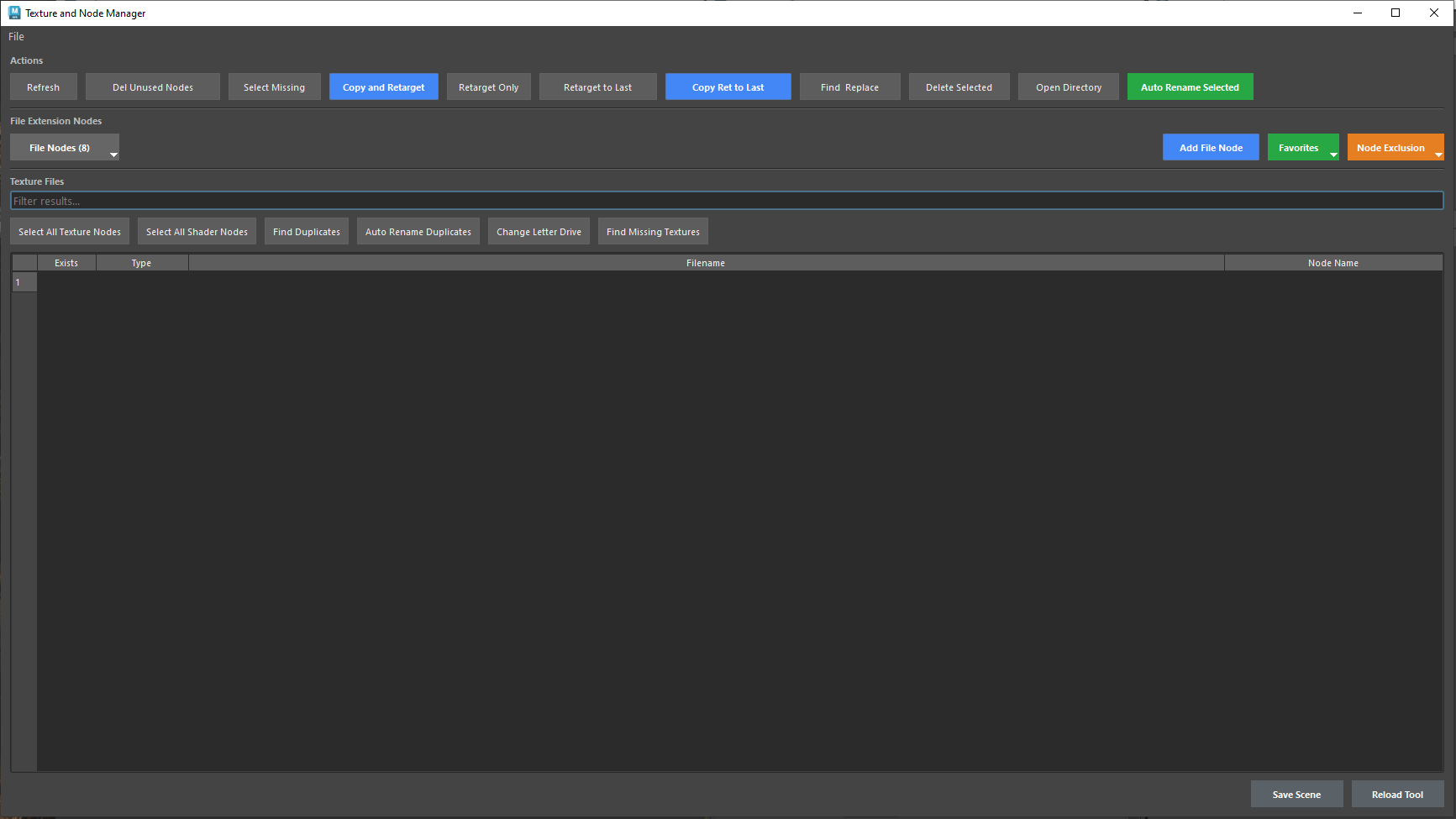
See every texture file node in your Maya scene in one table, spot what's missing, and move, repoint or clean up textures without hunting through the Attribute Editor.
Every texture at a glance
One table lists each texture's file name, node, type and whether the file exists. Filter the list, select missing textures, and select all texture or shader nodes at once.
Copy and retarget
Copy textures to a new folder and point their nodes at the copies, or just retarget the paths. Reuse your last target folder, find and replace text in paths, or change the drive letter in one step.
Clean up the scene
Delete unused nodes, find duplicate textures and rename them automatically, auto-rename selected nodes, and delete what you don't need.
Your node types, your folders
Choose which file node types to manage, add your own, save favorite folders, and exclude nodes you want left alone. Open a texture's folder or save the scene right from the window.