
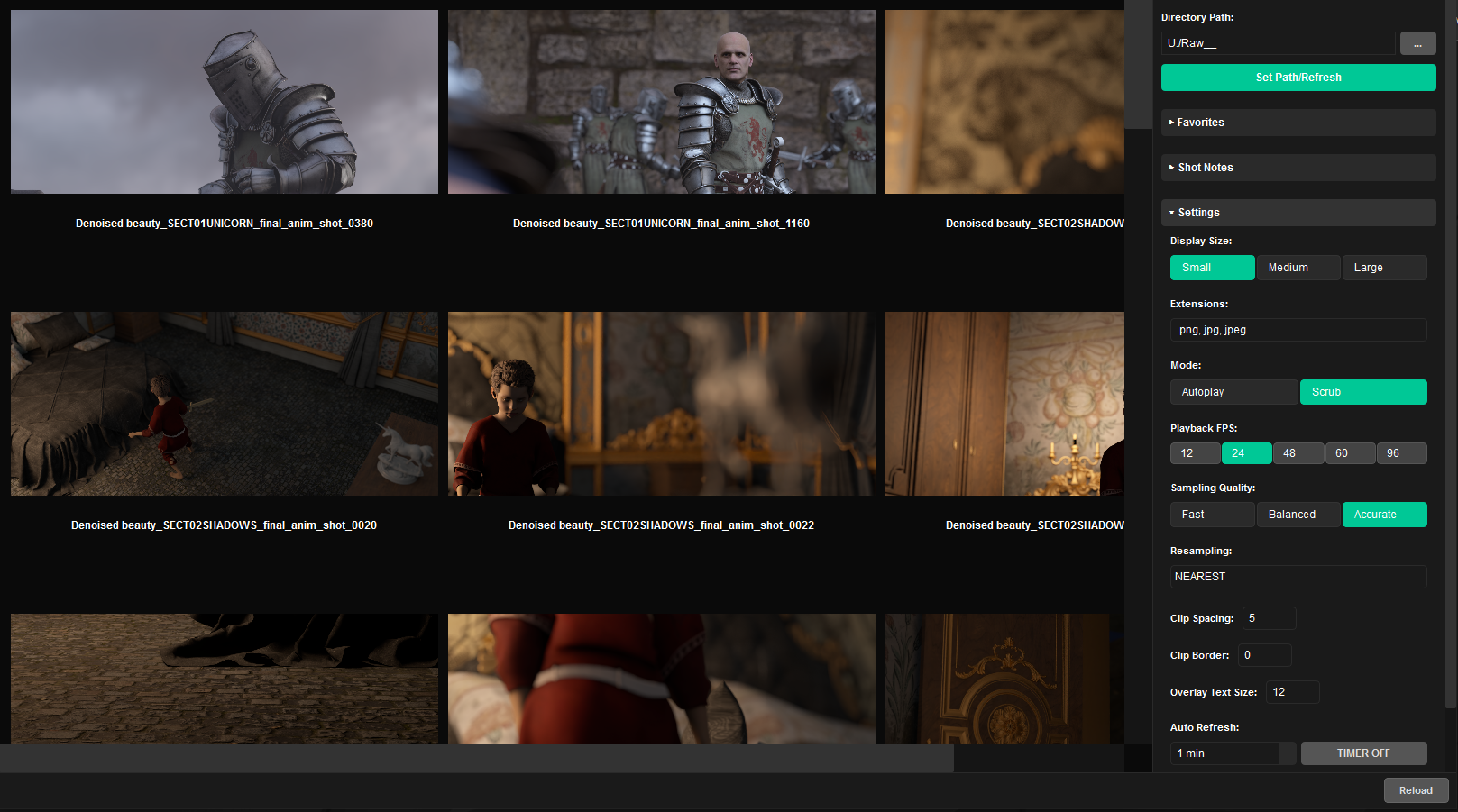
Click to enlarge
Every shot, playing side by side
Point it at a render folder and every image sequence shows up in a grid, ready to play. Check a whole batch of shots in seconds instead of opening them one by one.
Review every shot at once
Autoplay all clips, or scrub any clip by moving your mouse across it. Play back at 12, 24, 48, 60 or 96 fps, and switch between small, medium and large tiles.
Mark shots for fixes
Hover a shot and press R to mark it for a re-render, F for a fix, or C to clear. Add shot notes, show only the marked shots, and copy the list to share it.
Keep up as renders land
Auto-refresh picks up new frames on a timer, and Sort Sequences moves loose frames into a folder per sequence, by hand or automatically. Save your render folders as favorites.
Tune the view
Pick the sampling quality, spacing, borders, label size and which file types to show (PNG and JPG by default). Right-click a shot to open a frame, its folder or its source.
A standalone Windows app. No other software needed.